St. Louis has a stronger mobile app development community than most people outside the Midwest realize. Backed by a diversified economy spanning healthcare, manufacturing, logistics, financial services, and a fast-growing startup scene, the city has built a legitimate concentration of mobile development talent that continues to attract both regional businesses and national clients.
But “mobile app development" covers a wide spectrum. On one end, you have simple MVP builds for early-stage startups. On the other hand, you have complex, integration-heavy enterprise applications that need to work in sync with existing backend systems, third-party platforms, and real-world operational workflows. In 2026, most serious mobile projects fall somewhere in the middle and the agencies equipped to handle that middle ground are not as common as their websites might suggest.
Choosing the wrong development partner for a mobile app is an expensive mistake. Rebuilds, scope creep, poor architecture decisions, and post-launch support failures cost businesses far more than the original development budget. This guide is designed to help businesses in St. Louis and those looking to work with St. Louis-based talent makes a more informed decision.
How We Evaluated These Companies
Every company on this list was assessed using the same benchmarks. Evaluation focused on factors that actually determine the quality and longevity of a mobile app investment.
Platform expertise — iOS, Android, cross-platform (React Native, Flutter), and hybrid development capabilities
Technical architecture — App performance, scalability, offline functionality, and security practices
UI/UX design quality — Whether design decisions prioritize user experience and product goals, not just visual style
Integration capabilities — APIs, third-party services, cloud backends, IoT, enterprise systems
Industry experience — Healthcare, manufacturing, logistics, retail, finance, and other relevant verticals
Discovery and strategy process — How thoroughly the agency defines requirements before building
Post-launch support — Ongoing maintenance, updates, App Store management, and product iteration
B2B and enterprise readiness — Experience with internal tools, field service apps, and complex organizational workflows
With those criteria established, here are the top mobile app development companies in St. Louis for 2026.
Best Mobile App Development Companies in St. Louis
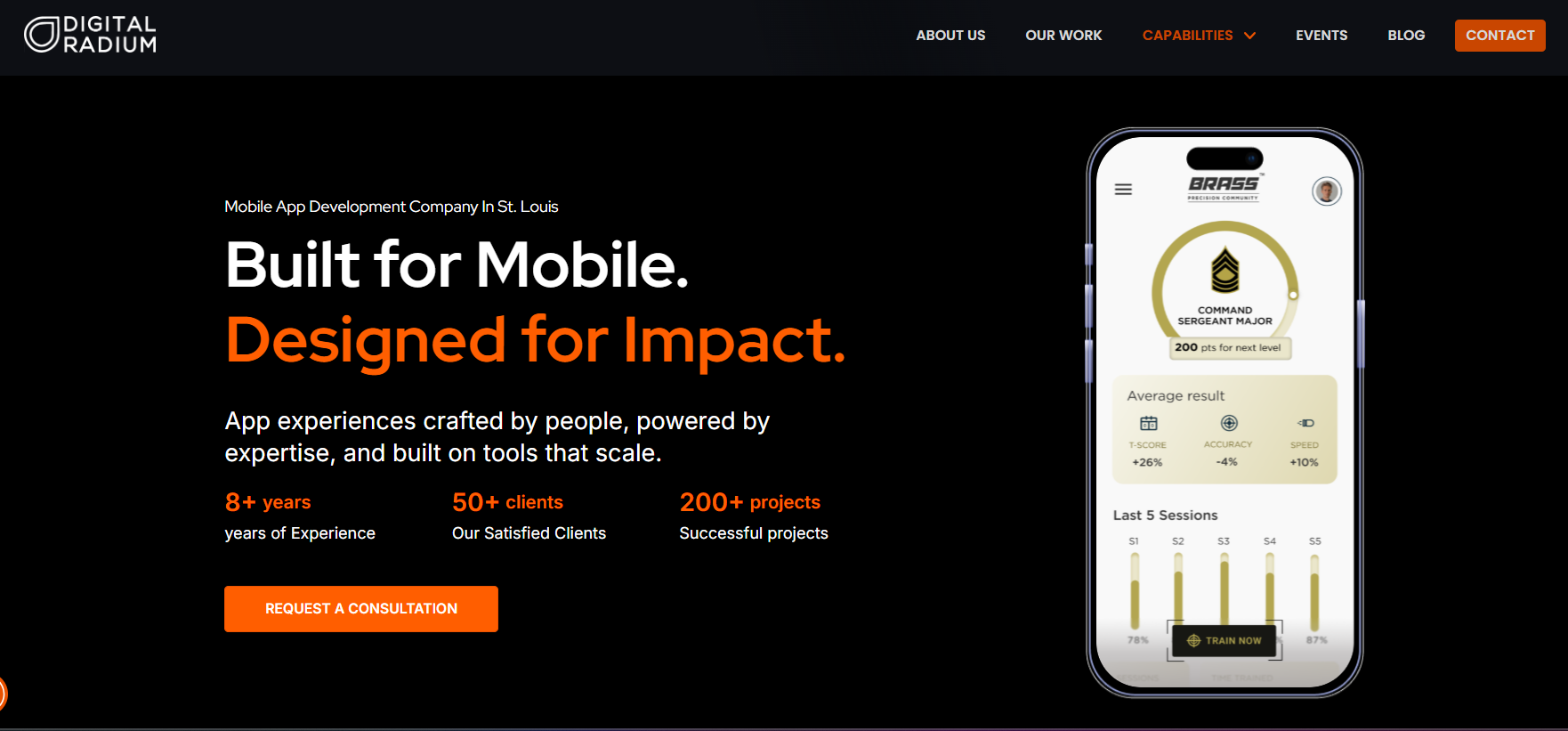
Digital Radium stands out as one of the fastest-growing mobile app development companies in St. Louis, known for building scalable digital products for startups, ecommerce brands, healthcare companies, manufacturers, and enterprise businesses.
What makes Digital Radium particularly competitive in 2026 is its AI-first development approach. The company combines mobile engineering with automation, cloud-native architecture, API integrations, ecommerce modernization, and data-driven user experiences.
Their expertise includes:
- Native iOS & Android app development
- Cross-platform apps using Flutter and React Native
- AI-powered mobile applications
- Ecommerce mobile app solutions
- ERP & CRM integrations
- SaaS platform development
- Custom API development
- UI/UX-focused mobile experiences
Digital Radium also supports businesses with post-launch optimization, analytics, scaling, and performance improvements, making them a strong long-term technology partner rather than just a development vendor.
Best For
- Startups launching MVPs
- Ecommerce brands
- B2B & enterprise applications
- AI-enabled mobile platforms
- Businesses requiring scalable custom development
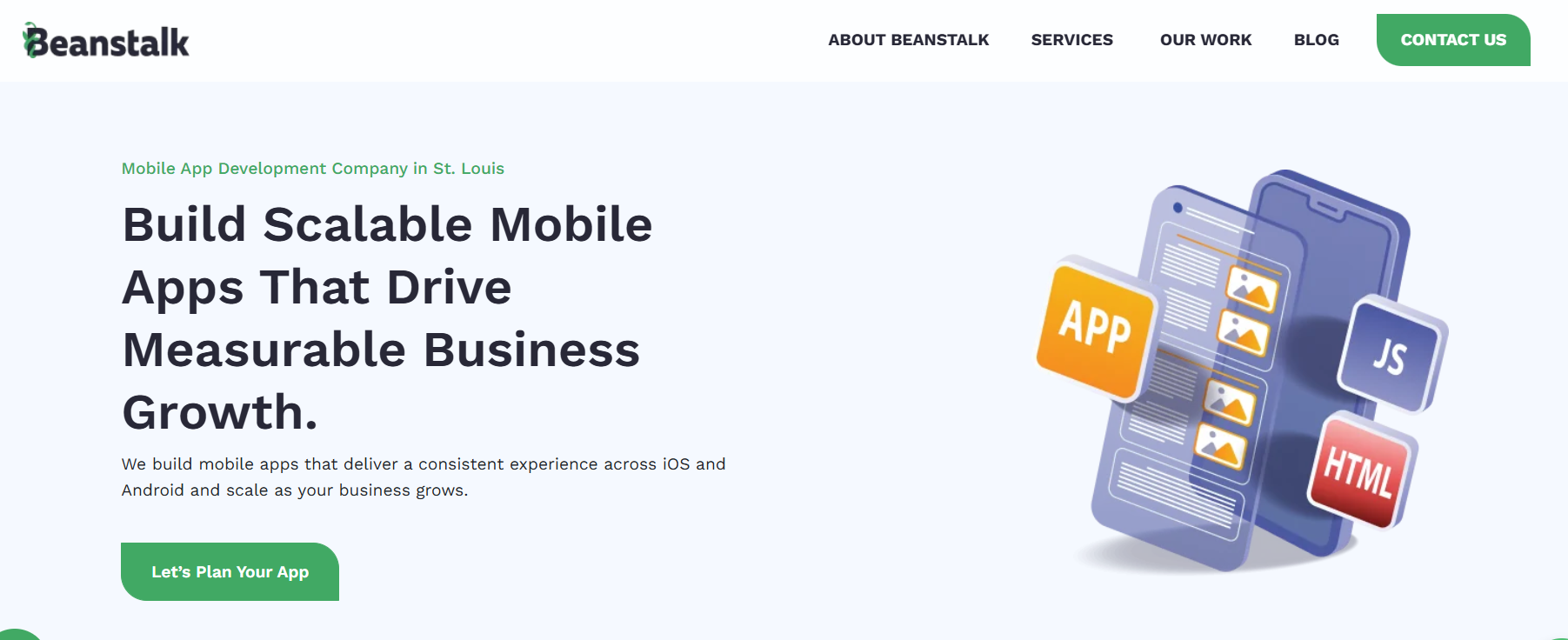
Beanstalk Web Solutions has built a strong reputation in St. Louis for delivering custom digital solutions focused on usability, business growth, and customer engagement.
The company works with small and mid-sized businesses seeking mobile-friendly digital ecosystems and custom application experiences. Their collaborative development process and long-standing regional presence make them a trusted local technology partner.
Key Strengths
- Custom mobile application development
- Business-focused UX/UI design
- Ecommerce integrations
- Web and mobile ecosystem development
- Long-term support and maintenance
Best For
- Local businesses
- Service companies
- Growing brands seeking custom solutions
3. Xtapps
Xtapps specializes heavily in mobile-first application development and has been serving businesses for several years with customized software and mobile solutions.
The company focuses on transforming client ideas into scalable digital products while emphasizing user engagement and functional performance.
Key Strengths
- Android & iOS development
- Enterprise mobility solutions
- Mobile UI/UX
- Cross-platform app development
- Startup application development
Best For
- Mobile-first startups
- SMEs
- Businesses seeking affordable app development
4. Bluestoneapps
Bluestoneapps is recognized for developing modern mobile applications with strong design and product strategy capabilities.
Their services typically combine app design, backend development, and ongoing optimization, helping businesses launch apps with polished user experiences and scalable infrastructure.
Key Strengths
- Product strategy
- App prototyping
- Native mobile apps
- Startup consulting
- UI/UX optimization
Best For
- Product-focused startups
- Consumer-facing applications
- Businesses prioritizing UX
5. Integrity XD
Integrity XD combines user experience strategy with software and mobile application development.
The company is known for helping organizations improve digital workflows, enterprise usability, and customer experiences through strategic design and engineering.
Key Strengths
- UX-driven development
- Enterprise software
- Digital transformation
- Research-based product design
- Cross-functional development teams
Best For
- Enterprise organizations
- Healthcare systems
- Large-scale digital initiatives
6. Hexxen
Hexxen provides advanced software engineering and custom application development services for enterprise clients and growing businesses.
The company is known for delivering highly technical software systems and digital modernization initiatives.
Key Strengths
- Enterprise software engineering
- Mobile platforms
- Cloud-native applications
- Complex integrations
- Agile development
Best For
- Enterprises
- SaaS platforms
- High-complexity software projects
7. SteadyRain
SteadyRain has long been part of the St. Louis digital ecosystem, offering software, web, and mobile development services alongside digital strategy.
Their experience across industries makes them a versatile partner for businesses seeking integrated digital solutions.
Key Strengths
- Mobile app development
- Enterprise web systems
- CMS implementation
- Digital strategy
- Marketing technology integration
Best For
- Mid-sized businesses
- Enterprise organizations
- Multi-platform projects
8. Swip Systems
Swip Systems focuses on delivering customized software and mobile technology solutions tailored to operational efficiency and user engagement.
The company works with organizations needing specialized systems and business process automation.
Key Strengths
- Custom mobile applications
- Workflow automation
- Business software integration
- Operational systems
- Cloud-connected applications
Best For
- Operations-focused businesses
- Custom internal platforms
- Process automation projects
9. Tecziq
Tecziq provides software engineering, web development, and mobile app solutions for businesses across multiple industries.
Their service offerings focus on scalability, affordability, and customized software delivery.
Key Strengths
- Mobile app development
- Full-stack development
- Custom software solutions
- QA and testing
- Maintenance & support
Best For
- SMBs
- Startups
- Cost-conscious businesses
10. Lelander
Lelander focuses on digital product innovation, branding, and application experiences for modern businesses.
The company combines creative design thinking with software engineering to help brands build customer-centric applications.
Key Strengths
- Product innovation
- App design
- Digital branding
- UX/UI strategy
- Interactive experiences
Best For
- Brand-driven businesses
- Creative startups
- Customer experience initiatives
Final Thoughts
The right choice depends on your project’s complexity, your industry’s specific requirements, and how much strategic input you need beyond raw development execution. A simple MVP for an early-stage startup has different needs than an enterprise field service application for a manufacturer and the agency that serves one well may not be the right fit for the other.
What consistently separates good mobile app investments from failed ones isn’t just technical execution. It’s strategic clarity before development begins, architecture decisions that allow the product to scale, integration work that connects the app to the real operational environment, and a development partner invested in the product’s long-term success.
Before committing to any agency, ask about their discovery process, request examples of comparable projects, and understand exactly what post-launch support looks like. The companies on this list represent St. Louis’s strongest mobile development options in 2026 the right fit comes down to matching their specific strengths to the problem you’re actually trying to solve.